Test Coding Agent Doc Grounding With DocSearch MCP
A grounded coding agent cites current docs and fails cleanly on questions only current docs can answer; here is a field test.
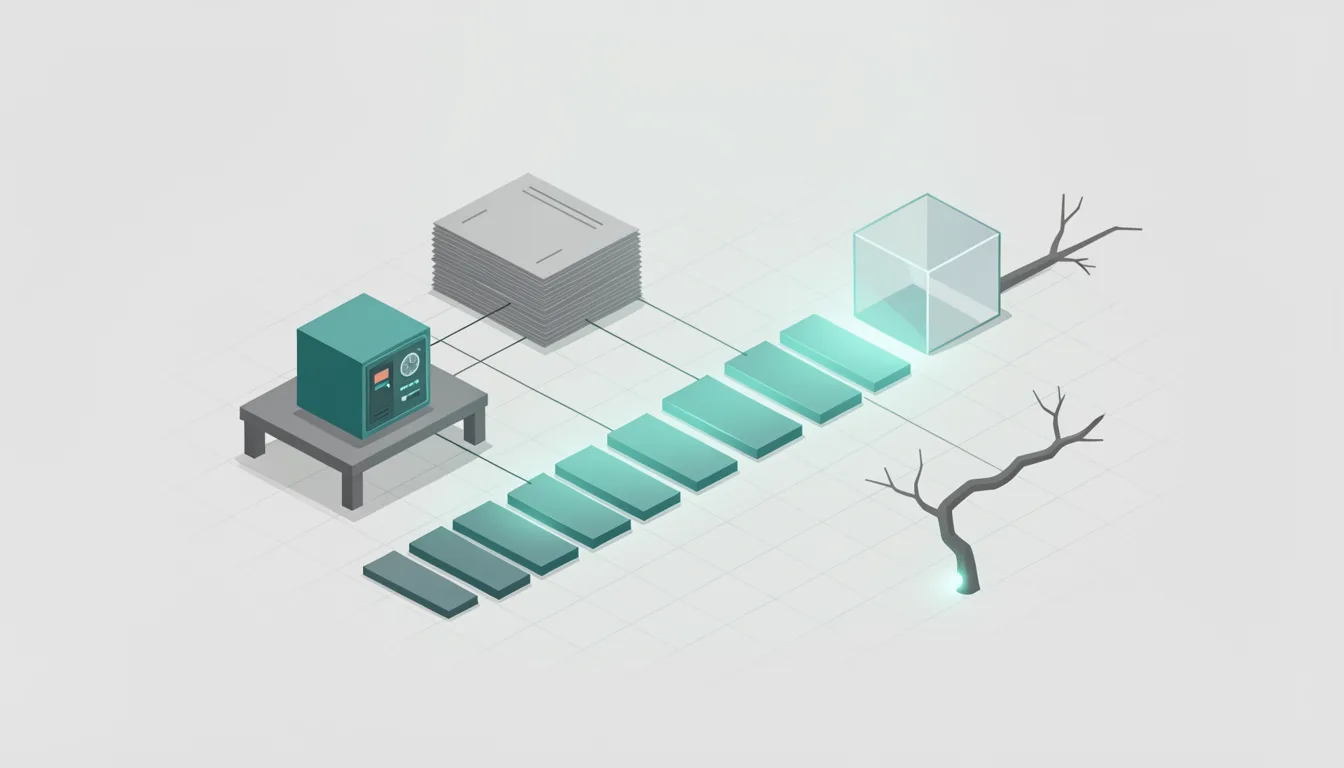
You ask a coding agent for the current flag, and it answers with confidence. The test is whether the answer matches a source URL you can open, and whether it fails on questions only current docs can answer. When a client queries DocSearch MCP, the service gives back ordered documentation snippets along with the URLs of the documents they came from.
DocSearch MCP is a remote Model Context Protocol server aimed at AI coding assistants, with Cursor, Claude Code, and VS Code named as examples. Algolia is offering DocSearch MCP in public beta at no cost, without requiring users to create an account or provide an API key. DocSearch has powered search boxes on thousands of developer documentation sites for more than 10 years.
Most coding agents already know a lot of old syntax. They can reconstruct old flags, old defaults, and old package names from memory. That is useful until the docs move. The agent may be right, but you cannot tell from the answer alone. Documentation changes faster than the agent's memory.
Grounding is a check, not a vibe
Confidence is not a citation. An agent can sound sure while naming a flag that was renamed, a default that changed, or a package that no longer exists. A wrong link is worse than no link, because it gives the answer a false authority.
A grounded answer in documentation should include three things: a claim tied to a version, a source link, and a failure when the docs do not support the claim. The version matters because the same option can mean different things in different releases. If the agent gives a confident answer without a link, treat it as a hypothesis.
Run the field test before you trust the answer
- Connect an MCP-compatible client to the DocSearch MCP endpoint, https://mcp.algolia.com/1/docsearch/mcp, which needs no authentication. The client lists the server as available without a login prompt.
- Set up DocSearch MCP with the one-command CLI invocation npx @docsearch/cli setup if your client needs a local configuration. The client shows the server without asking for a key.
- Use the first tool for most questions, because DocSearch MCP offers three tools, with the first one handling the common case. The answer comes from the common search path, not a fallback.
- Ask a version-specific question only current docs can answer, such as a recently renamed option or a default that changed in the latest release. The answer cites a page whose text matches the claim.
- Verify the source link. The URL points to the right product, the current version, and the main content, not a changelog or deprecated notice. The page text matches the claim.
- Ask a question about an unindexed product, an ambiguous name, or a crawl-blocked doc. The agent says it cannot verify, or clearly separates inference from sourced text.
The usual mistake is to treat a source link as a rubber stamp. A link to the right product can still be the wrong version, a deprecated page, or a page that only mentions the term in passing. Check the heading, the version label, and the surrounding paragraph.
Failure modes show the limits of grounding
Grounding breaks in predictable places. Unindexed products are the cleanest probe because the agent has no document to hide behind. Ambiguous names are the second probe because a shared word can pull snippets from the wrong product. Crawl-blocked docs are the third because the source exists but is not reachable. In all three cases, the useful answer is a refusal to verify, not a confident guess.
Keep a simple score: pass when the answer cites a page and the page supports the claim. Partial pass when the answer is useful but the source is weak, such as a related page or a version mismatch. Fail when the answer is confident, unsourced, or contradicted by the linked page. That score tells you when to trust the answer and when to open the docs yourself.