Check an Agent's Path to a Prisma/Supabase Database Wipe
A routine migration can empty production when an agent holds live credentials. Use a safe shadow database, a clean shell, and human consent.
The wipe starts with a wrong target, not a bad model
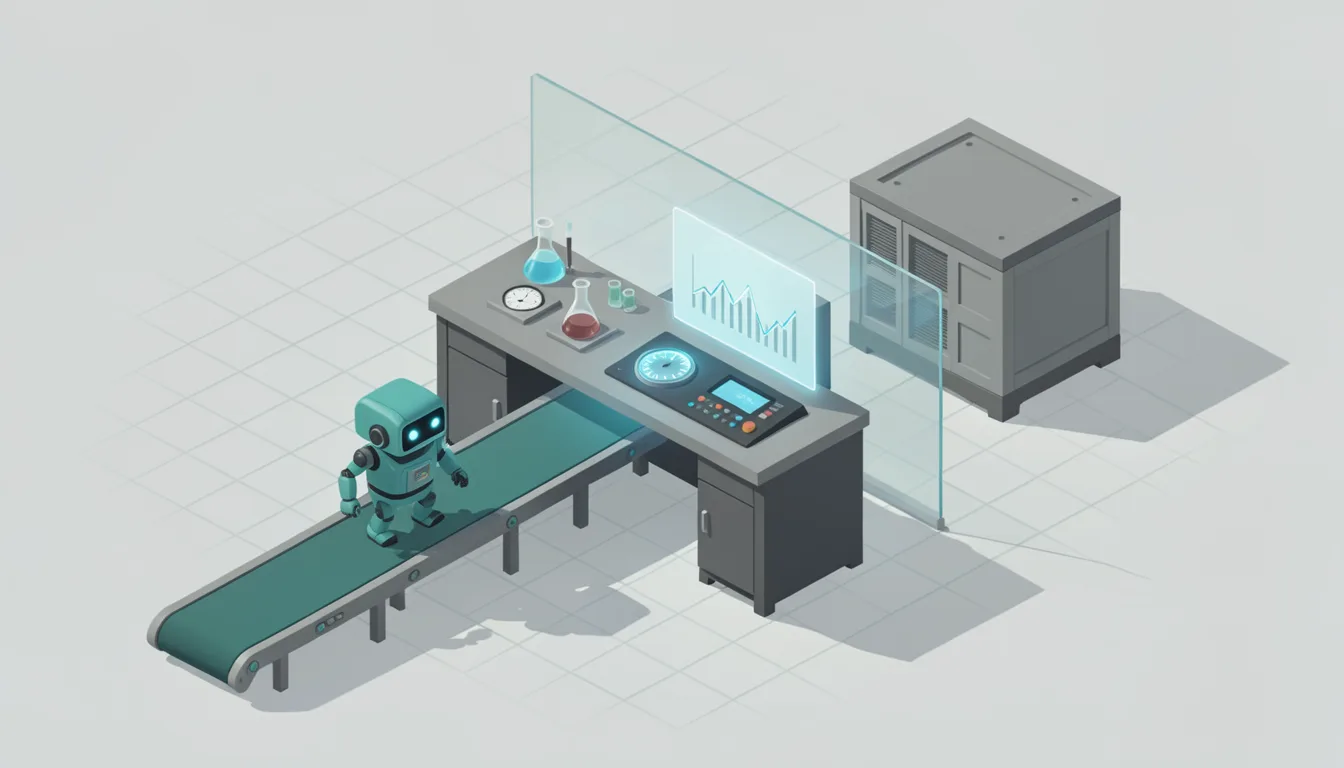
An agent session can start with a routine migration and end with an empty production database. During an agent session in late July 2026, a production Supabase database was found with all tables empty roughly ten minutes after the session began. The database had 22 tables, and the incident emptied all of them, including 130 tool records and 21 comparison records. BlogPost and ApiKey disappeared from the schema because the local migrations folder contained no record of them. The model did not need to be clever, and the command did not need to look malicious. The failure came from the target the migration was allowed to reach.
The shadow database becomes the live one when the URL is wrong
Prisma resets its shadow database before each run, and that reset happens without any confirmation prompt. In this case, the DATABASE_URL_UNPOOLED value used for --shadow-database-url pointed at the production database. A shadow database is supposed to be a throwaway target. When the URL points at production, the throwaway target is the data you cannot afford to lose. The command can still read like an ordinary schema change, because the dangerous part is the connection string behind it.
The environment decides whether a migration is harmless or fatal. The shell, the exported variables, and the database URL all matter more than the agent's intent. If the agent can read a live connection string, a safe setting is only a setting.
Run the five-point preflight before the agent touches migrations
- Set shadowDatabaseUrl in schema.prisma; a Prisma project can define it there, removing the need to pass the shadow database URL on each command line. Done when the command line no longer carries a shadow URL that can be copied from the wrong environment.
- Remove production credentials from the agent shell. The shell is clean when the agent can reach only a non-production database, and the production connection string is absent from the shell it runs in.
- Gate destructive migration commands behind a human; Prisma 6.15 blocks the most destructive commands when it detects an agent, unless a human gives explicit consent. The agent should be able to propose a destructive migration but not execute it alone.
- Verify the migrations folder matches the live schema, so a table is not treated as absent. The folder is trustworthy when every table in production has a corresponding migration record, and no table exists only in the database.
- Run a dry-run diff against a non-production database, and confirm the shadow URL points to that same safe target. The diff is safe when it reports changes without touching production data.
Make agent database access boring enough to survive a bad day
Agent database access should be boring. The agent gets a non-production role and no path to the live connection string. It can inspect the schema, propose a migration, and show the diff. It should not have access to the live database.
Check the shell the agent will use before it starts. A clean shell has no production URL and no environment file that exports one. If you find a live connection string, move it out of the agent's environment and replace it with a non-production value. The test is simple: the agent can start a session without seeing the live database.
A dry-run diff is the simplest test you can run. It asks the migration tool to compare the current schema with the target schema and show what would change. You pass when you can read the diff and say, in plain words, what will be created, altered, or dropped.
The migrations folder is the record. If the record is missing a table, the migration tool may assume the table should not exist. A missing migration record can make a live table look like it should be dropped. Before the agent runs anything, compare the folder against the live schema and fix the gap.
After the preflight, the agent should have a narrow job. When a destructive command is needed, the human runs it, or the human approves a specific command, and the agent continues. If the agent cannot reach production, the migration runs against the non-production database, and the live data stays unchanged.